Choose whether text needs a clear rectangular area, a graph that hugs its actual glyphs, or a network that forms the letters themselves.
Three ways to use text
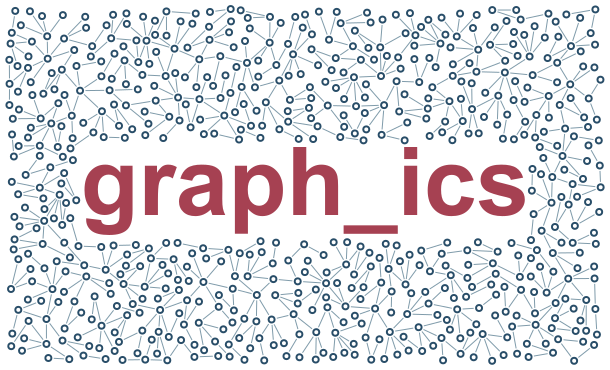
Text Box
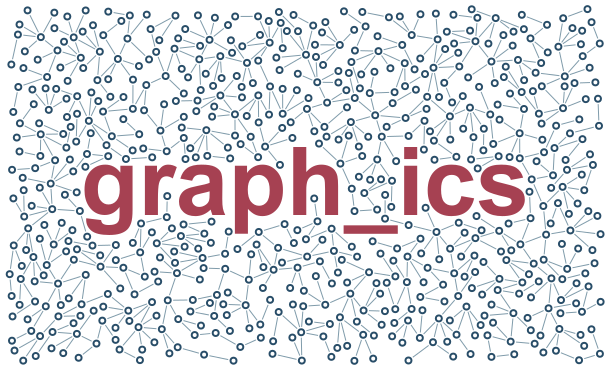
Measured rectangle: useful for clear labels, but excludes spaces between letters.
640 nodes of 650 requested. Stop: attempt_budget_exhausted. 208/212 occupied tiles; 99.5% of tile area has a node. This is a coarse coverage measure, not solid ink coverage.
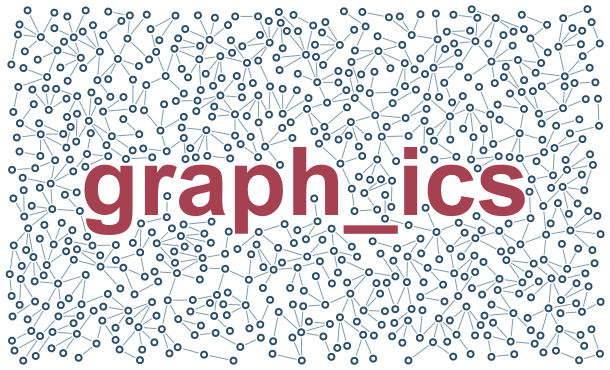
Glyph exclusion: branches can enter spaces between letters and sufficiently large letter holes.
650 nodes of 650 requested. Stop: target_reached. 227/240 occupied tiles; 97.9% of tile area has a node. This is a coarse coverage measure, not solid ink coverage.
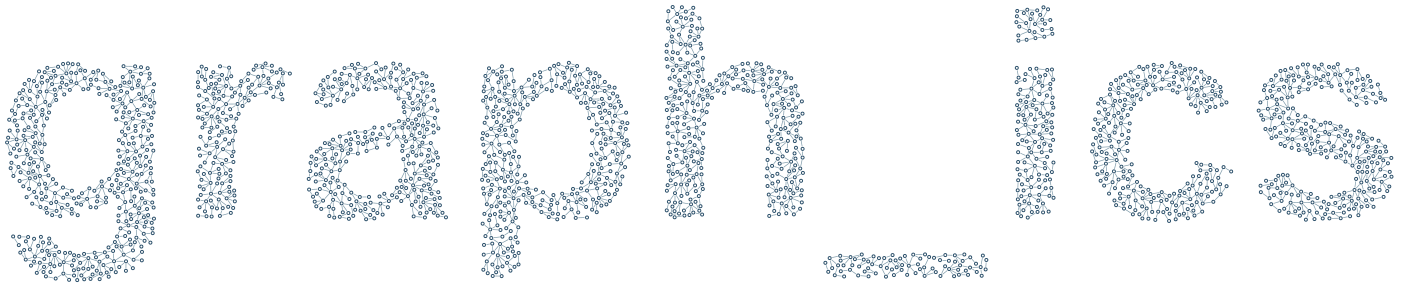
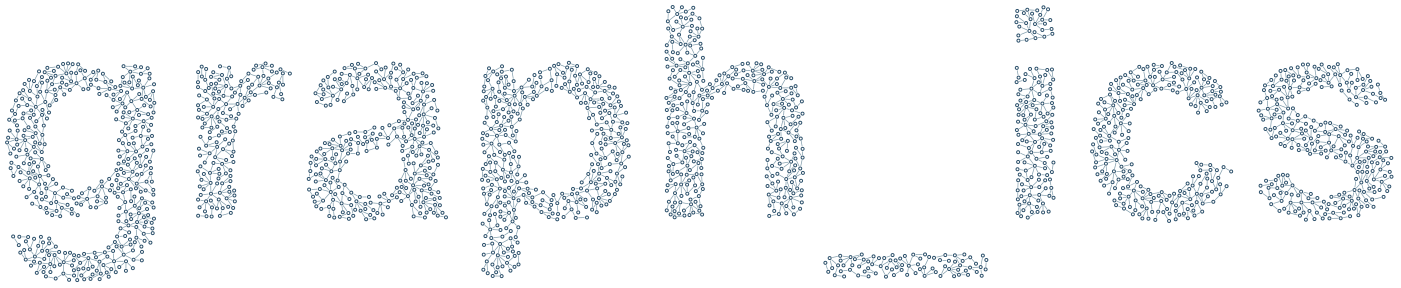
The graph itself forms the letters. No text fill is drawn; counters remain empty.
2277 nodes of 3200 requested. Stop: attempt_budget_exhausted. 422/510 occupied tiles; 98.7% of tile area has a node. This is a coarse coverage measure, not solid ink coverage.
A stroke must be wider than twice the node outer radius to fit a node. A connection also needs both endpoint radii, endpoint gaps and its visible length. Enlarge the text or shrink the geometry for finer strokes. Glyph holes remain excluded when the graph forms the letters.
Fonts are resolved locally: use the same installed font to reproduce contours. Complex scripts and narrow glyph features need visual checking.
 graph_ics