graph_icsGitHub
Guide chapters

Getting started

Install the package, make an image, then change one setting at a time. The following chapters combine visual comparisons with runnable examples.

Your first image

From a source checkout, create and activate a Python virtual environment, then install the rendering extra. PyPI publication is planned; the commands here work with the repository.

python -m pip install -e ".[render]"
graph-ics render --example sprawl --palette porcelain --output examples/output/first.png

Open examples/output/first.png. Use graph-ics list to find recipes and graph-ics describe sprawl for its settings.

Installation by platform and optional dependencies

Random seeds

Compare patterns while holding all geometry controls fixed.

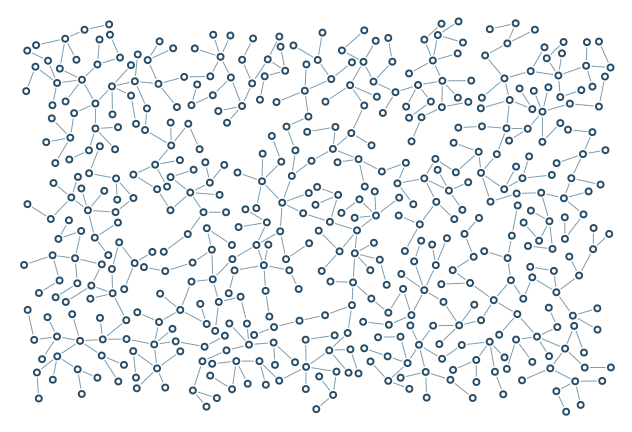
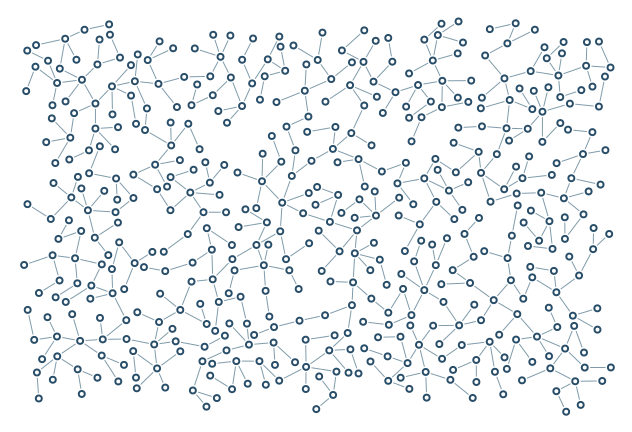
Seed 7

seed-7

Same settings, different random layout.

632 × 432; 480 nodes

Reproduce / SVG
graph-ics render --example sprawl --palette porcelain --nodes 480 --seed 7 --node-shape circle --edge-style solid --scale 1 --margin 16 --output examples/output/seed-7.png
SVG

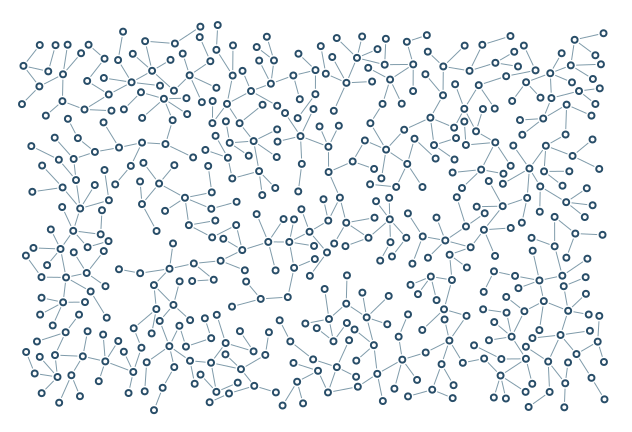
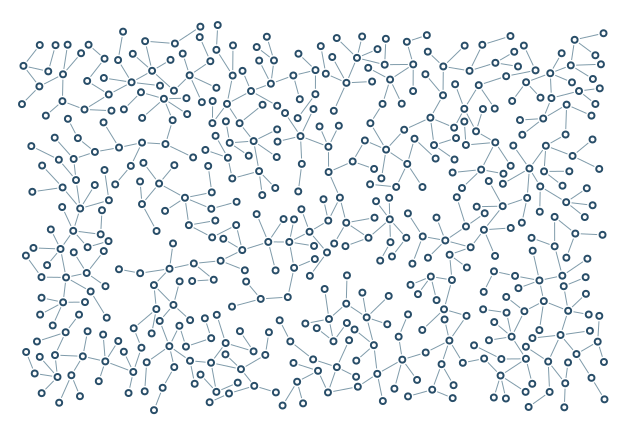
Seed 19

seed-19

Same settings, different random layout.

632 × 432; 480 nodes

Reproduce / SVG
graph-ics render --example sprawl --palette porcelain --nodes 480 --seed 19 --node-shape circle --edge-style solid --scale 1 --margin 16 --output examples/output/seed-19.png
SVG

Commands and files

list and describe print information; render writes one PNG/SVG, optionally with a JSONL log; frames writes a numbered PNG sequence; gallery writes this library. --force only permits overwriting render outputs. --quick selects the six-scene smoke gallery; this controls page is still included. --output chooses their location, without altering the artwork.

graph-ics list
graph-ics describe density
graph-ics render --help
graph-ics gallery --output examples/gallery

All generated figures sit in figures/ below the gallery index. Open the PNG/SVG links above to compare file formats visually.